Two tools on the Scale plan start a draft from something other than a keyword: a news story or a YouTube video. They're fast, and they come with traps the Editor doesn't have. We tried both for ieltsbandlift.com, and both drafts are good examples of what to check.
News → Article
Open News Articles, type a topic and click Find news. It shows recent Google News coverage.
"IELTS" on its own returned nothing. "IELTS exam" returned ten stories: IDP's share price, sanctions affecting test-takers in Iran, a research paper on AI essay scoring, and this one:
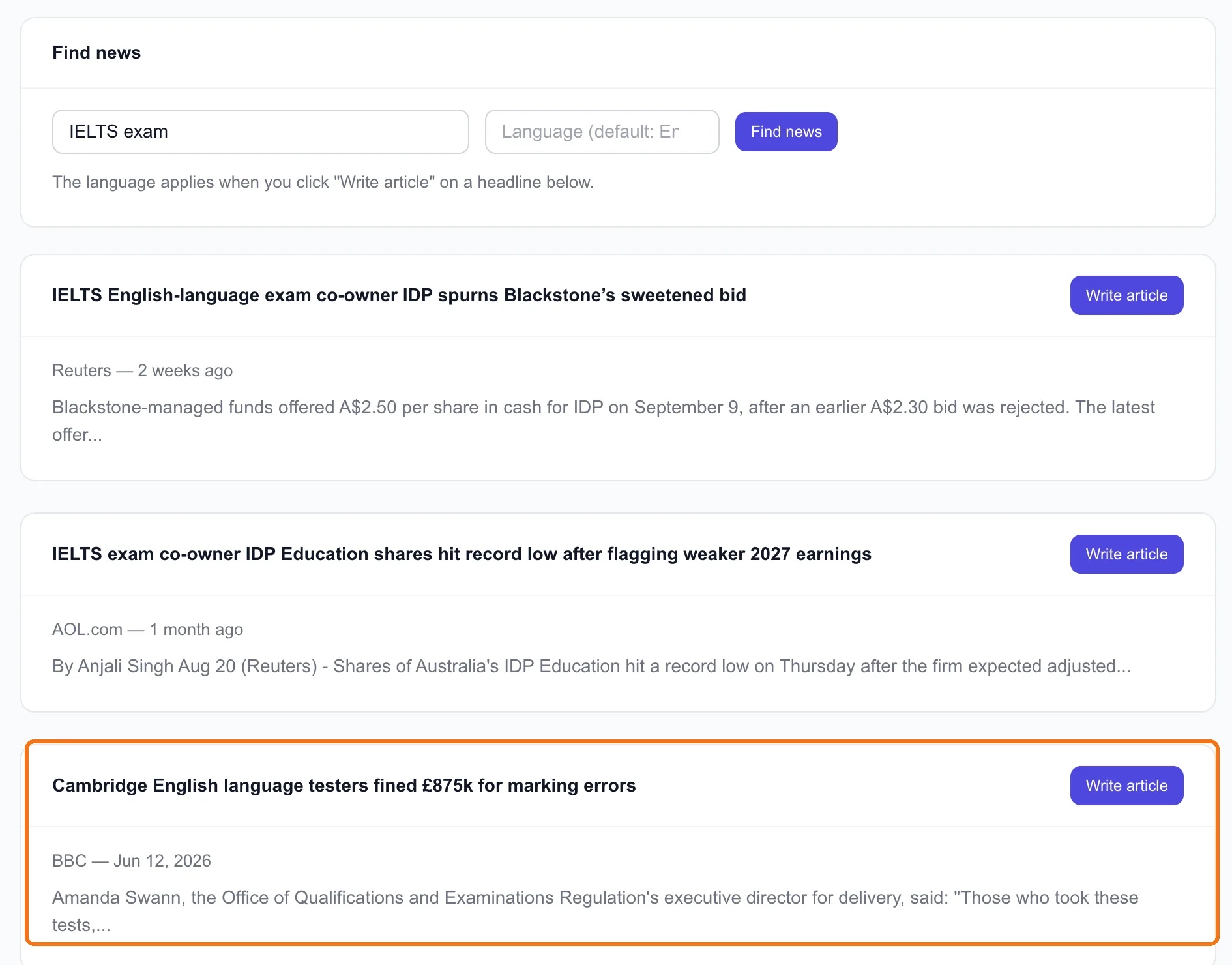
"Cambridge English language testers fined £875k for marking errors" (BBC). That's relevant to every IELTS candidate: some people's scores were wrong. We clicked Write article. It analyzes the topic like a keyword, writes a full draft, and sends it to the Publish Queue. That uses one keyword analysis and one draft.
What came back, a minute or two later:
- 697 words, nine sections: what happened, the fine, how many people were affected, compensation, visa impact, causes, responses.
- The keyword was the headline itself. Nobody searches "Cambridge English language testers fined £875k for marking errors". A page targeting it will get a short burst of traffic while the story is news, then nothing.
- The title was cut off mid-phrase: "Cambridge English Language Testers Fined £875k for Marking". Always check the title in the Publish Queue.
- It's full of exact numbers. The draft says 62,794 candidates were affected. Another headline on the same results page mentions "93,865 responses". They may measure different things, or one may be wrong. Every number in a news article has to be checked against the original source before it goes live.
How we'd use it instead: the news story isn't the article. The question it raises is. "What to do if you think your IELTS score is wrong" is something candidates search every month, story or no story. Write that evergreen page, mention the fine as a recent example, link the BBC report, and update the page when there's news.
Note: Be careful with tone. This story is about people whose exam results, and in some cases visas, were affected. Write to help them, not to sell to them.
YouTube → Article
Open YouTube → Article, paste a video link and click Convert. The video needs captions, either the creator's or YouTube's automatic ones. The first video we tried had none and couldn't be converted. A conversion uses one keyword analysis and one draft.
We tried a popular IELTS speaking video: "11 Best IELTS Speaking Tips | How I Got Band 8.5". What came back:
- 798 words, nine sections, clearly structured.
- The title is the video's title, including "How I Got Band 8.5". That's someone else's result, in the first person, about to go out under our name.
- The creator's personal examples came along too, such as "I'm from a city called Almaty, which used to be the capital of Kazakhstan". That's their life, not ours.
- It isn't scored against a keyword, unlike Editor drafts, so there's no content score to check it against.
That makes the rule simple:
Only convert your own videos, or ones you have permission to use. Turning another creator's video into an article on your site presents their work and their experience as yours. It's unfair to them, and it's a credibility problem the moment anyone notices. We won't publish this draft. We tried it on someone else's video only to show you what comes out.
Used on your own videos, it's genuinely useful. If you've recorded a walkthrough (like the optional videos in this course), the converted article gives that content a second life in search, where it's in your words and your experience is really yours.
Before publishing either
- Title: complete, and not first-person unless it's really you.
- Keyword: something people search, not a headline. Re-target it in the Editor if needed.
- Every number: checked against the original source.
- Every "I" or "we": true for you.
- Shelf life: for news, would this page still be useful in six months? If not, write the evergreen version.
Done when
- You've found one news story your customers care about, and written the evergreen page behind it rather than a recap
- You've converted one of your own videos into a draft
- Both drafts have passed the five checks above before going anywhere near Publish